







Essential Steps to Take If Your Phone Gets Wet
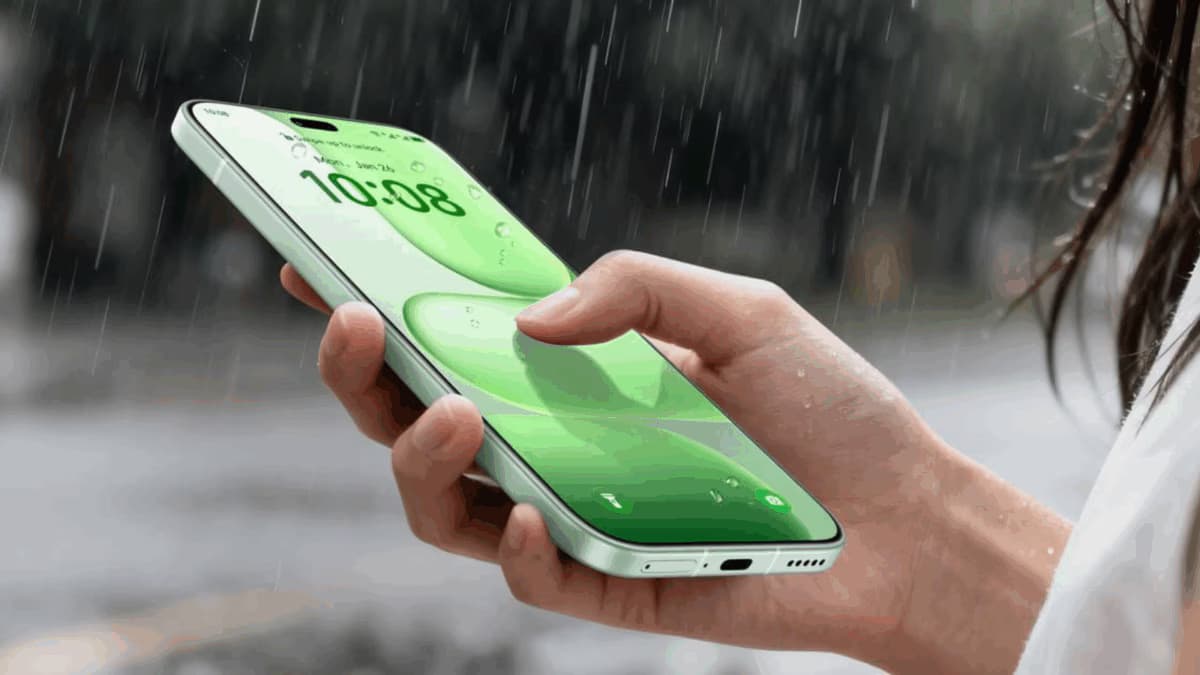
When a smartphone encounters water, the immediate response can significantly influence the extent of potential damage. many users may instinctively turn on thei
When a smartphone encounters water, the immediate response can significantly influence the extent of potential damage. Many users may instinctively turn on their device to check its functionality, but this could exacerbate the issue by allowing moisture to penetrate deeper into the device or even causing an electrical short circuit. It's crucial to remember that even phones with an IP rating, which indicates some level of water resistance, are not entirely waterproof. Factors such as drops, repairs, and prolonged usage can diminish this resistance, and liquid damage is often not covered by warranty. Therefore, acting swiftly and correctly is vital to mitigate risks.
The first step is to power off the device as soon as it is safe to do so. Keeping a wet phone powered on increases the likelihood of a short circuit due to moisture. If the phone has already turned off, resist the urge to power it back on to check its status, as this can lead to additional damage that might not have been present initially. Disconnect any wired accessories, including earphones and charging cables, to prevent further complications. If any of these components are wet, ensure the electricity supply is turned off before handling them. Next, remove the phone's protective case and any detachable accessories, and gently wipe the exterior with a soft, absorbent cloth to remove excess moisture. Position the phone with the charging port and speaker openings facing downward to facilitate drainage, but avoid shaking or hitting the device, as this could push water further inside.